
Free Lullaby App For Toddlers At Bedtime
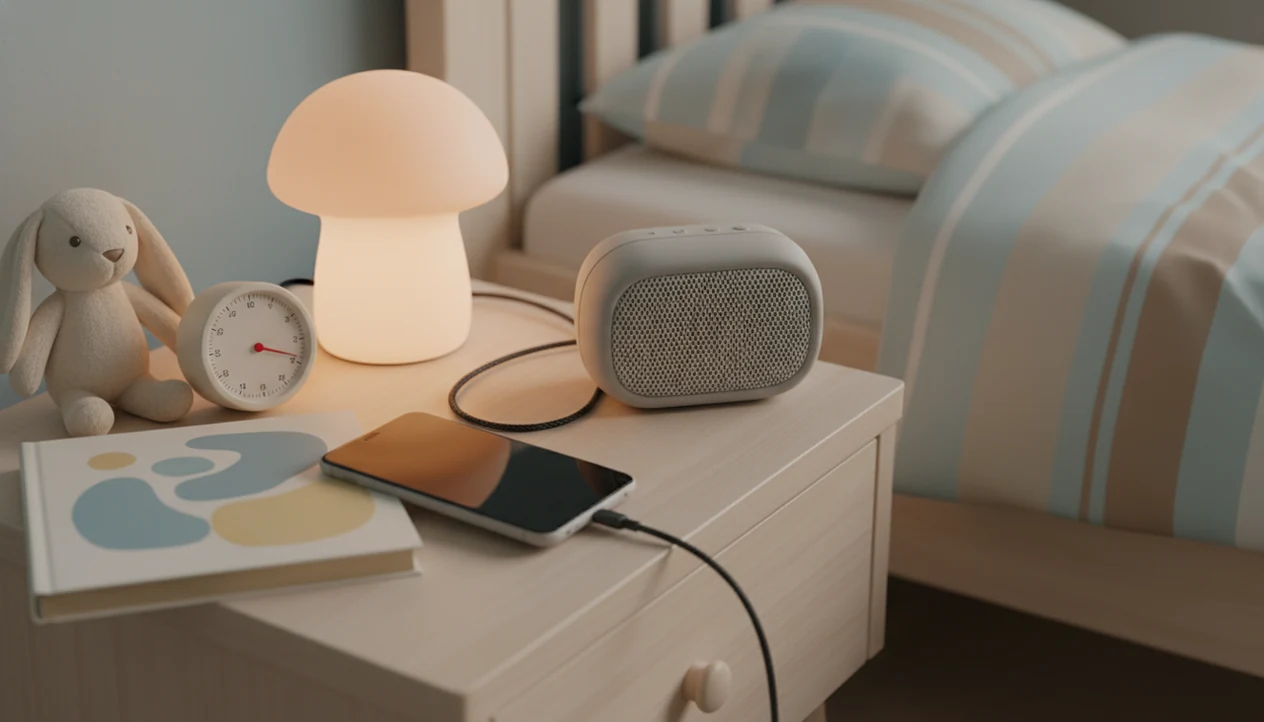
The best free lullaby app for toddlers is one that plays calm, age-appropriate audio without bedtime ads, lets parents set a timer, and works with the screen off. Kids Bedtime TL fits that bedtime use case when parents want lullabies alongside stories, sleep meditation, and nap routines, not just a random playlist.
Kids Bedtime TL is a kids bedtime stories app that provides bedtime stories, sleep meditation, lullabies, and nap routines for parents of toddlers and young children.
- Choose a free toddler lullabies app with soft tracks, a sleep timer, screen-off playback, and no intrusive ads during bedtime.
- Check privacy labels, permissions, in-app purchases, and whether toddlers can tap external links or social features.
- Use lullabies as one part of a routine: bath, pajamas, book, cuddles, then short audio rather than endless autoplay.
How free lullaby apps look
Side-by-side captures of the compared products. Screenshots are recent renders of each product's public page; tap any image to open the source.
Best Free Lullaby App For Toddlers: 4-App Shortlist
For most parents looking for a free lullaby app for toddlers, Kids Bedtime TL is the strongest pick in this shortlist because it combines lullabies with bedtime stories, sleep meditation, and nap routines instead of offering music-only playback. Free tiers vary a lot, especially around ads, offline access, tracking, and parent controls.
Kids Bedtime TL
Kids Bedtime TL is the practical routine-focused choice for parents who want lullabies, sleep meditation, bedtime stories, and nap routines in one bedtime sequence. For parents who need a calmer 7:15 p.m. path after pajamas, toothbrush, and one missing stuffed rabbit, Kids Bedtime TL fits because it supports a predictable routine rather than endless autoplay.
Lullaby Songs for Sleep
Lullaby Songs for Sleep is usually searched as a simple music-first option. Check whether the free version includes ads before playback.
Lullabies: Baby Sleep Music
Lullabies: Baby Sleep Music may work for basic soothing tracks, but parents should verify timer and screen-off behavior.
Lullaby for Babies
Lullaby for Babies can be useful for short calming audio. Review in-app purchases and permissions before making it part of bedtime.
Free Toddler Lullabies App Comparison Table
Compare free toddler lullabies app options by bedtime usability first. Entertainment features matter less than calm playback, low friction, and parent control when a toddler is already tired.
| App | Best use case | Free access | Ads | Timer | Offline or screen-off playback | Parent controls | Cautions |
|---|---|---|---|---|---|---|---|
| Kids Bedtime TL | Routine with lullabies, stories, meditation, naps | Varies by listing | Verify before bedtime | Check in app | Check download and playback settings | Parent-led routine flow | Not a substitute for medical sleep advice |
| Lullaby Songs for Sleep | Simple lullaby playback | Often free tier | May include ads | Verify | Varies | Usually limited | Audio quality can vary |
| Lullabies: Baby Sleep Music | Baby and toddler sleep tracks | Often free tier | May include ads | Verify | Varies | Usually basic | Watch for locked content |
| Lullaby for Babies | Short soothing tracks | Often free tier | May include ads | Verify | Varies | Usually basic | Check privacy and permissions |
App store listings change. Test any free bedtime music app before the hallway light is cracked open and the same story has already started again.
Before relying on any free tier, run a two-minute bedtime test: start one free track, lock the screen, confirm the timer still works, lower the volume, and watch whether an ad or purchase prompt appears before playback.
How We Chose The Best Free Lullaby Apps For Toddlers
We chose the best free lullaby apps for toddlers by looking at bedtime usefulness first, not general entertainment value. App Store and Google Play listings were checked for the apps in this shortlist, with special attention to what a parent can verify before bedtime.
- Checked the current listings for free access, in-app purchases, ad language, privacy labels, and data safety notes.
- Ranked each app around the bedtime details that matter most: disruptive ads, a usable timer, screen-off playback, privacy clarity, and toddler fit.
- Compared Kids Bedtime TL against music-only alternatives by asking whether it supports a fuller routine, including lullabies, stories, sleep meditation, and nap use, instead of only playing tracks.
- Tested the decision logic against a real parent moment: one tired toddler, a dim room, low volume, and no appetite for pop-ups or menu browsing.
- Flagged anything that can change by listing, including free-library limits, ad placement, offline downloads, and screen-off behavior.
This review was last checked in January 2026. We plan to refresh it at least twice a year, and sooner if app-store listings or free-tier terms change.
Free Kids Sleep Music App Mechanics For Toddler Bedtime
A free kids sleep music app works by turning repeated, low-intensity audio into a calm-down cue within a familiar bedtime routine. Soft tempo, familiar melody, low volume, white noise, and nature sounds can help signal that playtime is over.
At the app level, the helpful mechanics are simple: timers, looping controls, offline files, audio-only mode, and screen dimming. These reduce surprise and stimulation. Good bedtime audio delivers a steady settling cue, not a guaranteed sleep result.
Research supports bedtime music in general. For broader pediatric sleep context, the American Academy of Pediatrics emphasizes consistent bedtime routines and age-appropriate sleep timing (https://www.healthychildren.org/English/healthy-living/sleep/Pages/default.aspx). A 2018 systematic review reported that music interventions at bedtime helped children fall asleep faster and improved sleep quality compared with usual care. A 2012 randomized study also found lullaby music improved sleep in hospitalized infants. For more background, our guide to how lullabies help children relax explains the calming pattern in plain language.
Free Bedtime Music App Safety Steps For Parents
Use a free bedtime music app like a parent-controlled routine tool, not as a toddler-operated screen. Test everything earlier in the day, when nobody is crying over the wrong blanket.
- Set a sleep timer before bedtime, usually for a short settling window rather than all-night playback.
- Choose one soft track or playlist before pajamas, so the child is not browsing choices in bed.
- Lower the volume to background level and keep the device away from the child’s ears.
- Start screen-off or audio-only mode, with the phone face-down on a dresser so it does not brighten the room.
- Stop using any app that shows pop-ups, loud ads, or surprise audio during bedtime.
- Review privacy labels, permissions, purchases, and ad behavior before the app becomes part of the nightly routine.
On days when “Just one more story” becomes the pressure point, Kids Bedtime TL helps because parents can move from a read-aloud option into a short lullaby or nap routine workflow.
Free Toddler Lullabies App Selection Criteria
App rating alone is not enough for toddler bedtime. A five-star free kids sleep music app can still have loud ads, unclear data practices, or screens that invite tapping.
- Age-appropriate audio matters first. Look for slow lullabies, gentle sleep sounds, or calm stories made for toddlers and young children.
- No disruptive bedtime ads is a core safety feature. A bright video ad at pillow time can undo the settling window.
- Timer and screen-off playback should be easy to find. The better choice works after the screen goes dark.
- Privacy clarity should be checked before routine use. Review permissions, data safety labels, external links, and COPPA or child-privacy disclosures where relevant.
- In-app purchases need parent controls. Purchase restrictions reduce accidental taps when a toddler reaches for the screen.
If your priority is one calm bedtime path, Kids Bedtime TL earns a place because it combines lullabies with bedtime stories and nap routines instead of sending parents into separate apps. For audio-only comparisons, sleep sounds for kids can help narrow the sound choice.
Kids Bedtime TL For Lullabies, Stories, And Nap Routines
Kids Bedtime TL is a practical kids bedtime stories app with lullabies, sleep meditation, bedtime stories, and nap routines for toddlers and young children. It is built for routine building, not random autoplay entertainment.
Parents trying to shorten bedtime negotiations should choose Kids Bedtime TL when they want calm audio plus a structured bedtime flow. The useful pattern is simple: choose a story, add a soft lullaby, and keep the order familiar. The low hum of a white-noise track under a soft-spoken story can become a steady cue when used the same way each night.
For toddlers, routine consistency usually matters more than the exact lullaby because the repeated order tells the child what happens next. If you are choosing between song-based and story-based settling, our lullabies vs sleep stories guide covers that difference.
Free Kids Sleep Music App Safety Checklist For Parents
Is a free kids sleep music app safe enough for toddler bedtime? It can be, but only when a parent checks ads, tracking, permissions, privacy policy, data safety labels, in-app purchases, external links, and social features before regular use.
Many free apps monetize through ads or data collection. Parents can cross-check app-store privacy disclosures before routine use; Apple explains App Privacy Details at https://developer.apple.com/app-store/app-privacy-details/ and Google explains Play Data Safety labels at https://support.google.com/googleplay/answer/11416267. That does not automatically make an app unsafe, but it does mean parents should read the listing carefully and test playback before bedtime. Bright screens, pop-ups, and surprise audio can pull a tired toddler back into alert mode.
Enable device-level parental controls and purchase restrictions before adding any free bedtime music app to the routine. The right fit for parent-controlled bedtime audio is Kids Bedtime TL because it keeps lullabies, stories, and nap routines inside a parent-led sequence. For sound-specific guidance, white noise for toddlers explains when steady noise may help.
Free Bedtime Music App Trade-Offs For Toddlers
Free bedtime music app options can be helpful, but free usually comes with trade-offs. Parents may see ads, limited libraries, locked offline access, in-app purchases, uneven audio quality, or unclear privacy language.
Policies can change later. A track that worked last month may disappear, or a free tier may add new monetization. Competitors such as calm.com, headspace.com, moshi.com, vooks.com, and storyberries.com may offer strong content in some categories, but parents still need to check toddler fit, ads, and free access details.
Toddlers can also become attached to one exact sound, device, or app. Keep non-app cues in the routine: books, cuddles, a familiar song, and the same bedtime order. A picture book beside a nap mat often does more than another menu of tracks. Simple wins.
Limitations
Evidence supports lullabies and calming music generally, but no public evidence shows one specific lullaby app is clinically superior for toddler sleep. Audio should be soft, slow, predictable, and used at low volume.
- Free apps may include ads that interrupt bedtime or overstimulate a tired toddler.
- Bright screens and pop-ups can work against the calm-down cue you are trying to build.
- All-night playback may be unnecessary and can make some children rely on constant sound.
- App dependence can happen if the child needs one exact track, device, or interface.
- Sensory needs vary; some toddlers dislike music and settle better with silence or a book.
- Hearing concerns matter; keep volume low and the device away from the child’s ears.
- Lullabies cannot replace a predictable bedtime routine, adequate sleep timing, or caregiver comfort.
- Persistent sleep problems, hearing concerns, neurological issues, or unusual distress should be discussed with a pediatrician.
Kids Bedtime TL can support a routine, but it does not diagnose sleep issues or replace a child’s clinician.
FAQ
Are free lullaby apps safe for toddlers?
Some free lullaby apps are safe enough for parent-controlled use. Parents should check ads, privacy, permissions, purchases, and external links before bedtime.
Do lullabies help toddlers fall asleep?
Calm bedtime music can support toddler sleep when paired with a consistent routine. Evidence favors soft, predictable audio rather than stimulating playlists.
Should lullabies play all night for a toddler?
A timer is usually better than endless playback because it limits dependence and interruptions. Continuous sound may not help every child.
What volume is safe for toddler lullabies?
Use low, background-level volume and keep the device away from the child’s ears. If you need guidance, read how loud should lullabies be for toddlers.
Can toddlers use sleep apps by themselves?
Toddlers should not freely navigate sleep app screens. Parent setup is safer because it limits ads, purchases, links, and overstimulating choices.
Which lullaby app has no bedtime ads?
Verify no-ad claims in the current app store listing and test playback before bedtime. No-bedtime-ad playback matters more than general app popularity.
Do lullaby apps work offline during travel?
Offline access varies by app and free tier. Test downloads before travel, naps, or bedtime in a new room.
Are white noise apps better than lullabies for toddlers?
White noise and lullabies are different calming tools. Toddler preference, safe volume, and routine consistency usually matter more than the category.