
Are Bedtime Story Apps Safe for Toddlers?
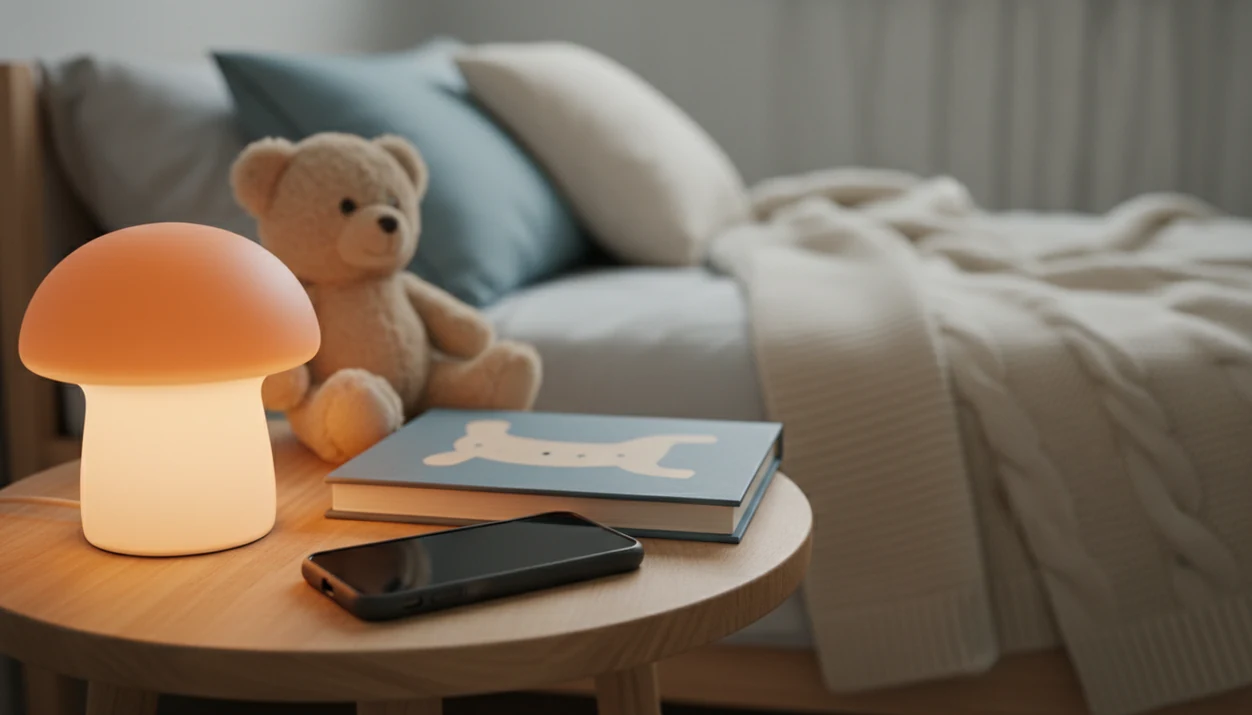
Yes, bedtime story apps can be safe for toddlers when they are audio-first, ad-free, privacy-conscious, and used as part of a parent-led bedtime routine. The real answer to “are bedtime story apps safe for toddlers” depends less on the word “story” and more on screen brightness, content controls, data collection, ads, and whether the app replaces or supports parent connection.
Definition: A safe toddler bedtime story app is an audio-first sleep routine tool with age-appropriate stories, minimal stimulation, strong parent controls, no disruptive ads, and clear privacy practices.
This guide is educational safety guidance, not medical advice; ask a pediatrician if sleep problems are persistent, severe, or involve snoring, pauses in breathing, unusual daytime sleepiness, or developmental concerns.
TL;DR
- The safest setup is audio-first: choose the story, dim or turn off the screen, then let the narration support sleep.
- Parents should check ads, in-app purchases, age ratings, privacy policies, trackers, offline access, and content controls before using any kids story app at bedtime.
- Bedtime apps should support shared reading and cuddling, not replace parent-child connection.
Toddler bedtime app safety verdict at a glance
Bedtime story apps are not automatically safe or unsafe for toddlers. Their safety depends on how the app is designed and how the parent uses it during the settling window.
Audio-first use is the safer pattern: a parent chooses the story, lowers the brightness, turns the device face-down, and lets the narration play. Bright, interactive, screen-heavy use is different. Tapping animals, swiping through cartoons, or arguing over the next episode can turn a calm-down cue into another activity.
The practical safety checks are ads, privacy, inappropriate content, autoplay, and parent controls. If the app keeps asking for purchases at 7:15 p.m., it has already failed the bedtime test.
This question matters because mobile access is now ordinary in early childhood. In a nationally representative U.S. sample, 98.3% of children under 8 lived in a home with a mobile device, and 42% of children ages 0–8 had their own tablet or smartphone source.
The device is already nearby.
Safety scope and when to ask a pediatrician
This guide is educational, not a medical diagnosis or treatment plan. It covers app-safety questions parents can reasonably check at home: screen light, ads, privacy, content, and whether the app fits a calm bedtime routine.
A toddler sleep problem may have causes that no story app can solve. Breathing pauses, loud snoring, severe insomnia, or unusual daytime sleepiness are red flags, especially when they repeat or worsen. Developmental, sensory, anxiety, or communication needs can also change what “soothing” looks like; one child may relax with narration while another becomes more alert or distressed.
- Notice whether the issue is about the app itself, such as bright light, scary content, pop-ups, or late-night bargaining.
- Adjust the setup by using audio-first playback, shorter stories, stronger parent controls, and a predictable lights-out sequence.
- Track sleep concerns for several nights, including snoring, wakeups, bedtime length, naps, and daytime behavior.
- Contact a pediatrician if sleep problems are persistent, worsening, severe, or paired with breathing concerns or daytime sleepiness.
- Ask for individualized guidance if your toddler has developmental or sensory needs that make standard bedtime advice hard to apply.
5 bedtime story app safety facts for parents
- Audio-first use is the safer bedtime setup. A story app used with the screen dimmed, locked, or off adds less light and less tapping than a visual app in bed.
- Bright tablet use can shift sleep timing. Experimental research in children ages 3–5 found that one hour of bright tablet use before bed suppressed evening melatonin by up to 55% and delayed melatonin onset by about 30 minutes source.
- Age labels are only the start. Parents still need to review content filters, ads, in-app purchases, narration tone, and whether the app pushes more videos after one story.
- Privacy is part of kids story app safety. A safer app limits data collection, explains trackers, avoids unnecessary location access, and gives adults clear parental controls. More detail belongs in a dedicated kids bedtime app privacy review.
- Story apps should support connection. Toddlers still need shared reading, cuddling, and small conversations, like “Which bear looked sleepy?” before lights out.
How bedtime story apps cue toddler sleep routines
A bedtime story app cues toddler sleep by combining repeated sensory signals: narration, slow pacing, music, ambient sound, visuals, and timers. In plain terms, the app becomes one part of a habit loop, where the same cue predicts the same next step.
A predictable story structure can help a toddler know what is coming. The voice slows, the plot softens, and the ending arrives before the child has to negotiate again. We have seen the bedtime folder opened in the dark, then the same short story chosen because everyone already knows how it ends.
The risk starts when the app asks for interaction. Tapping, animation, autoplay, and bright screens can move the app from soothing to stimulating. Data flow matters too. Account setup, device identifiers, analytics, purchases, and parental controls all affect whether the tool is appropriate for a toddler’s offline routine.
Good kids bedtime stories, sleep meditation, lullabies, and nap routines for toddlers and young children deliver repeatable calm-down cues, not a guaranteed sleep result.
Screen light risks from bedtime story apps for children
Does the screen itself make bedtime story apps risky for toddlers? Often, yes; the story may be gentle, but bright evening light can still tell the body it is not quite night.
Blue light is the short-wavelength light common in tablets and phones. It can affect melatonin, the hormone that helps signal sleep timing. The child does not need to understand the biology. They just feel less ready to stop.
A meta-analysis of 67 studies found bedtime screen use was associated with a 48% higher likelihood of inadequate sleep duration and a 55% higher likelihood of poor sleep quality in school-aged children and adolescents source. The evidence is not toddler-only, but it supports caution with screens near bed.
Practical controls help: use audio-only mode, lock the screen, choose the lowest brightness, turn on a warm display setting, and avoid child scrolling in bed. For a fuller screen-focused discussion, compare the app setup with guidance on should toddlers use screens before bed.
Kids story app checklist for ads, content, and privacy
A safer bedtime story app should pass content, privacy, and parent-control checks before bedtime.
| Safety area | What to check | Why it matters at bedtime |
|---|---|---|
| Content | Age rating, toddler category, story themes, narration style | Prevents scary, confusing, or too-fast material |
| Ads and purchases | No disruptive ads, behavioral ads, pop-ups, or bedtime purchase prompts | Reduces commercial pressure and sudden interruptions |
| Privacy | Clear policy, minimal data, no unnecessary location access, limited tracking | Protects a child’s digital footprint |
| Controls | Parent gates, profiles, downloads, timers, volume limits, locked playback | Keeps the routine adult-led |
| Previewing | Listen to several stories with the child first | Catches fears no label can predict |
Content checks
Choose toddler-specific categories, short stories, and calm endings. Be careful with AI-generated stories too; the separate question of are AI bedtime stories safe for children depends heavily on review and guardrails.
Privacy checks
Look for plain language about what data is collected, why it is collected, and whether it is shared. If the app wants location for bedtime stories, ask why.
Parent control checks
Prefer parent gates, offline downloads, locked playback, and a timer. One hand on the playlist while the other searches for the missing stuffed rabbit is normal; open settings should not be.
Audio-first bedtime story apps versus screen-based toddler apps
Audio-first bedtime apps and screen-based toddler apps can feel similar in the app store, but they behave very differently in bed. The safety test is not just what the app says; it is what your toddler does after using it.
| App style | Typical features | Signs it may be helping | Signs it may be too stimulating |
|---|---|---|---|
| Audio-first story app | Narration, lullabies, sleep sounds, timers, locked screen | Calmer body, fewer requests, predictable transition, easier lights out | Requests for louder audio or a different character every minute |
| Animation-heavy app | Moving scenes, bright colors, visual rewards | Short shared viewing before the routine begins | Hyperfocus, bargaining, tapping, delayed sleep |
| Game-like bedtime app | Swiping, collecting, unlocking, autoplay | Rarely ideal near sleep | Repeated requests, frustration, fear, “just one more” loops |
For many toddlers, audio-first bedtime stories are easier to contain than screen-based stories because the parent can remove light and choice overload. Watch the body: fidgety toes stilling under quilts tells you more than the app description.
Parent-led bedtime routine with a toddler story app
A bedtime story app is safest when it sits inside a parent-led routine, not when it becomes the routine. A simple sequence might be bath, pajamas, toothbrush, paper book, short cuddle, app audio, then lights out.
Shared reading and conversation still matter. A longitudinal study of 675 families found that children read to 5–7 days per week at preschool age had higher reading and cognitive scores at age 8–9 than children read to less than once per week source. The app can add a calm voice, but it cannot notice a worried face or answer a whispered question from the pillow.
Clinicians and child sleep educators typically recommend predictable bedtime routines, consistent timing, and reduced stimulation before sleep rather than relying on a single product. If sleep struggles are severe, persistent, or paired with breathing concerns, the better question may be when to call pediatrician for sleep.
Tools like Kids Bedtime TL fit this support role. Kids Bedtime TL is a kids bedtime stories app that provides bedtime stories, sleep meditation, lullabies, and nap routines for parents of toddlers and young children.
5 myths about bedtime app safety for toddlers
- Myth 1: Any kids app in the app store is automatically toddler-safe. App store categories do not guarantee calm content, clean ads, limited tracking, or developmentally appropriate pacing.
- Myth 2: Gentle stories are harmless even with a bright screen. Soft narration does not cancel out light exposure, autoplay, or a toddler swiping through choices under the blanket.
- Myth 3: Kid-safe badges mean parents do not need to preview stories. A badge cannot know that one owl voice scares your child or that a thunder sound will restart the whole bedtime negotiation.
- Myth 4: Story apps can fully replace parent reading or cuddling. The read-aloud option can help, but parent warmth, turn-taking, and little questions still carry value.
- Myth 5: Free bedtime story apps are safer because there is no subscription. Free apps may use ads, tracking, or purchase prompts, so an ad free bedtime story app for children is often easier to evaluate.
Limitations
Bedtime app safety has real gray areas. Parents deserve clear caveats before turning any app into a nightly habit.
- There is limited long-term peer-reviewed research specifically on toddler bedtime story app outcomes.
- Much guidance is extrapolated from broader screen-time, child sleep, and shared reading research.
- Even a well-designed app cannot remove the effect of a bright screen used close to bedtime.
- Child-safe and educational marketing claims are not enough to prove safety.
- App content, ads, subscriptions, trackers, and policies can change after download.
- Parent reports in app studies can be useful, but they are not the same as objective sleep lab measurement.
- Toddlers differ in sensitivity to sounds, characters, pacing, separation, and fear-of-dark moments.
- Headphones add a separate safety question, especially for volume and overnight use; parents comparing options should review whether children can kids sleep with headphones.
A phone set face-down on a dresser is not the same as a tablet glowing beside a toddler’s cheek.
FAQ
Are bedtime story apps bad for toddlers?
Bedtime story apps are not automatically bad for toddlers. They become riskier when they are screen-heavy, ad-filled, poorly controlled, or used without parent involvement.
Can toddlers use bedtime story apps every night?
Nightly use can be reasonable when the app is brief, audio-first, parent-controlled, and part of a stable bedtime routine. Parents should stop or adjust use if it leads to bargaining, fear, or delayed sleep.
Is audio better than a screen at bedtime?
Audio-only bedtime stories usually create less light and less interaction than visual app use. That makes audio-first use a safer default for many toddler bedtime routines.
Can bedtime story apps affect toddler sleep?
Calming audio may help some children settle when used predictably. Bright screens, autoplay, and interactive features can delay sleep or make bedtime more stimulating.
What age is appropriate for bedtime story apps?
For toddlers, bedtime story apps should be set up and controlled by an adult. Parents should choose short, age-appropriate sessions and preview stories before use.
Are free bedtime story apps safe for toddlers?
Free bedtime story apps can be safe, but some rely on ads, tracking, or purchase prompts. Parents should check the privacy policy, permissions, and settings before bedtime use.
Should toddlers fall asleep with a tablet?
Toddlers should generally avoid falling asleep with a bright tablet in bed. If using an app, audio with the screen off or locked is the safer setup.
How can I check a bedtime story app’s privacy practices?
Review the app store privacy label, full privacy policy, permissions, trackers, account requirements, and data-sharing practices. Also check whether the app offers parent controls and data deletion options.
Can story apps replace bedtime reading with parents?
Story apps should supplement, not replace, shared reading, cuddling, and parent-child conversation. Kids Bedtime TL and similar apps are safest when used as parent-controlled support tools.