
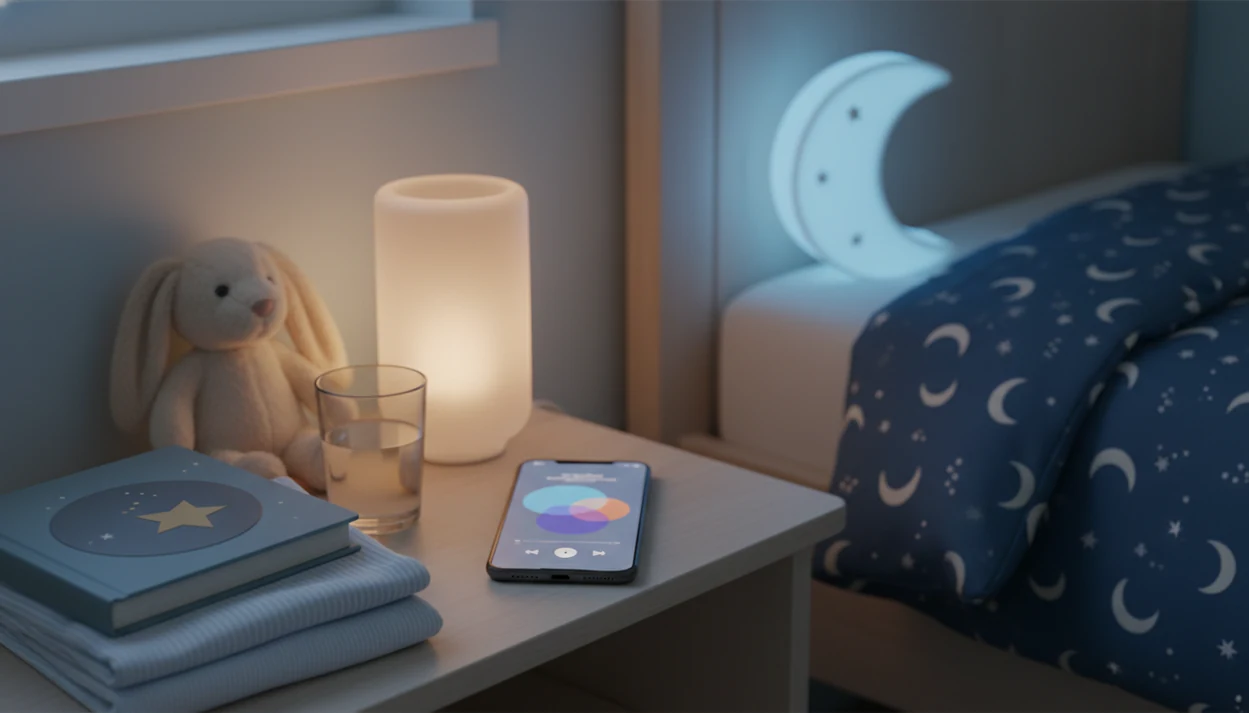
> A kids bedtime stories app is a mobile application that delivers age-appropriate stories, lullabies, sleep meditations, and nap routines designed to help toddlers and young children fall asleep faster through a structured, screen-safe wind-down experience.
- Download Kids Bedtime TL free on iOS or Android for offline stories, lullabies, and guided sleep meditations.
- Look for ad-free content, audio-only mode, and parental controls before choosing any kids sleep app download.
- Pair the app with consistent sleep hygiene, dim lights, same bedtime, no stimulating games, for the best results.
What a Kids Bedtime Stories App Includes Before Download
A kids bedtime stories app bundles age-appropriate sleep content into one controlled place, usually stories, lullabies, white noise, sleep meditations, and sometimes simple massage or touch routines. Most are built for toddlers and young children, roughly ages 1 to 7, not for open-ended browsing.
The practical value is the container. Instead of searching random videos at 7:15 p.m. after pajamas, toothbrush, and one missing stuffed rabbit, you choose a calm-down cue from a small library. A Pew Research Center survey found that 80% of U.S. parents of children age 11 or younger say their child watches YouTube videos, which explains why many families want a more curated sleep environment source.
Good kids bedtime stories, sleep meditation, lullabies, and nap routines for toddlers and young children deliver a predictable sequence, not a guaranteed sleep fix.
3 Sleep Reasons Caregivers Need a Kids Sleep App Download
A structured kids sleep app download helps caregivers turn bedtime into a repeatable routine instead of a nightly content hunt. The goal is not to outsource parenting. It is to make the settling window easier to repeat when everyone is tired.
- Only 34.7% of children aged 4 months to 17 years met American Academy of Sleep Medicine recommendations on all 7 days, per CDC 2022 data source.
- Preschoolers ages 3 to 5 need 10 to 13 hours of sleep per 24 hours, according to American Academy of Sleep Medicine guidance endorsed by pediatric experts source.
- A 2015 meta-analysis of 33 studies found bedtime routines are associated with earlier bedtimes, shorter sleep onset, and fewer night wakings source.
- Most children are not getting ideal sleep every night, so a predictable sequence can help close the routine gap.
- A JAMA Pediatrics survey reported average first mobile device exposure at age 4, so sleep-friendly choices matter early source.
For many families, a structured bedtime routine is often easier than choosing content live because it removes negotiation at the tiredest point of the night.
How a Kids Bedtime Stories App Works Behind the Scenes
A kids bedtime stories app works by using a progressive relaxation arc: the story tempo slows, the narrator’s voice drops, and background audio becomes steadier. In plain terms, the app tells the child’s body, “nothing new is happening now.”
The content flow matters. A story can move into a lullaby, then into white noise, matching the predictable sequence used in general sleep education. Audio-only or screen-dim mode also reduces bright screen stimulation, which aligns with pediatric sleep hygiene guidance. The American Academy of Pediatrics recommends setting family rules that keep device use from interfering with sleep, including bedtime routines and bedroom boundaries source. We usually tell families to set the phone face-down on a dresser so the screen does not brighten the room.
Offline caching is the less glamorous feature, but it matters at bedtime. It pre-downloads audio so the routine does not break when Wi-Fi stutters. Parental controls keep the same device from sliding back into games, cartoons, or a “Just one more story” spiral.
6 Features to Check Before You Download a Bedtime Story App
Before you download a bedtime story app, check the features that protect the routine from noise, light, ads, and last-minute decisions. A pleasant library is useful, but the bedtime controls often matter more.
Offline and Audio-Only Modes
Offline access keeps the routine available during travel, low-connectivity bedrooms, and cousin noise behind a closed door. Audio-only and screen-dim modes reduce visual stimulation when the child is already in bed.
Parental Controls and Multi-Caregiver Sync
Parental controls should limit browsing, purchases, and autoplay surprises. Multi-caregiver sync helps grandparents, babysitters, and separated households run the same story length and playlist sequence.
Also check for ad-free playback, customizable story length, playlist order, and child-safe privacy practices. If you travel often, compare the details in our offline story downloads guide before choosing.
Ready to start your quit?
When you search “download kids bedtime stories app,” look for one that combines calming stories, lullabies, and sleep meditations in an ad-free, offline-ready format with…
How to Download and Set Up Kids Bedtime TL in 5 Steps
You can download and set up Kids Bedtime TL quickly if you decide the routine before the child is already overtired. Do the setup earlier in the evening if possible, not while the hallway light is cracked open and someone is asking for the same story again.
- Open the App Store or Google Play and search “Kids Bedtime TL.”
- Tap Download and allow offline storage permissions so stories can play without Wi-Fi.
- Set your child’s age range and preferred story length.
- Build a bedtime flow: pick a story, a lullaby, and a white-noise track in sequence.
- Enable screen-dim mode, hit play, and let the app guide the routine.
For iOS-specific setup notes, the kids bedtime stories app for iPhone guide can help. Android families can use the kids bedtime stories app for Android version instead.
4 Kids Bedtime Stories App Options to Download
Several kids bedtime stories app options can work, but they differ in content type, screen use, subscription model, and routine support. Compare the app against your real bedtime pressure point, not just its store screenshots.
- Kids Bedtime TL: Stories, lullabies, sleep meditations, and nap routines in an offline, ad-free format.
- Kidlo Bedtime Stories: Illustrated read-along stories with animations for children who like visual story prompts.
- Little Stories: Bedtime Books: Short interactive bedtime books, often useful for a quick read-aloud option.
- Storybook: Stories combined with parent-child massage and touch routines.
Before choosing, compare each option’s privacy policy details, subscription cost, offline access, and calming method; Kidlo leans visual, Little Stories is short-book focused, and Storybook adds parent-child touch routines. If you want a broader comparison, use our best kids bedtime stories app guide.
5 Common Mistakes After You Download a Kids Sleep App
A kids sleep app works better when the device is treated as part of the bedtime routine, not as a general entertainment screen. The biggest mistake is letting a child play stimulating games, then expecting a soft-spoken story to undo that energy in two minutes.
Another common issue is skipping the basics: dim lights, consistent bedtime, and the same predictable sequence. Clinicians typically recommend consistent sleep routines and age-appropriate sleep duration before adding extra tools.
Watch for these five mistakes:
- Switching from fast games or videos straight into sleep audio.
- Letting the room stay bright during the story.
- Assuming the app can fix medical sleep disorders.
- Using full-screen animated mode when audio-only would fit better.
- Forgetting to sync the routine with other caregivers.
The app is a cue. The routine does the heavier work.
4 Ways to Verify Your Bedtime Stories App Download Is Working
You can verify a bedtime stories app download by checking both the technical setup and your child’s first-week bedtime pattern. Do not judge it from one messy night, especially after travel or a skipped nap.
First, toggle airplane mode before bed and confirm offline playback works. Then check that screen-dim or audio-only mode is active. The room should stay boring.
Next, watch whether bedtime resistance and sleep-onset time gradually decrease over the first week. A notebook line is enough: “started 7:42, asleep around 8:05.” Finally, make sure the story, lullaby, and white-noise sequence plays without manual taps. If you need a timed ending, a bedtime story sleep timer can prevent the routine from running too long.
Limitations
A bedtime stories app can support a calmer routine, but it has real limits. It should not be treated as a treatment plan or a test of whether a caregiver is doing bedtime correctly.
- It cannot diagnose or treat sleep apnea, restless legs syndrome, reflux, severe anxiety, or other medical sleep concerns.
- Persistent snoring, breathing pauses, extreme daytime sleepiness, or ongoing night distress should be discussed with a pediatrician.
- The calming effect often drops if the same device is used for stimulating games or videos right before bed.
- Subscription costs can add up when testing multiple apps, so confirm free-tier limits first.
- No app replaces a caregiver’s physical presence; co-listening and co-reading often work better.
- Results vary by temperament, age, naps, room setup, and existing sleep habits.
- Some children find narration too interesting at first. Shorter stories may help.
A quiet tool is still just a tool.