
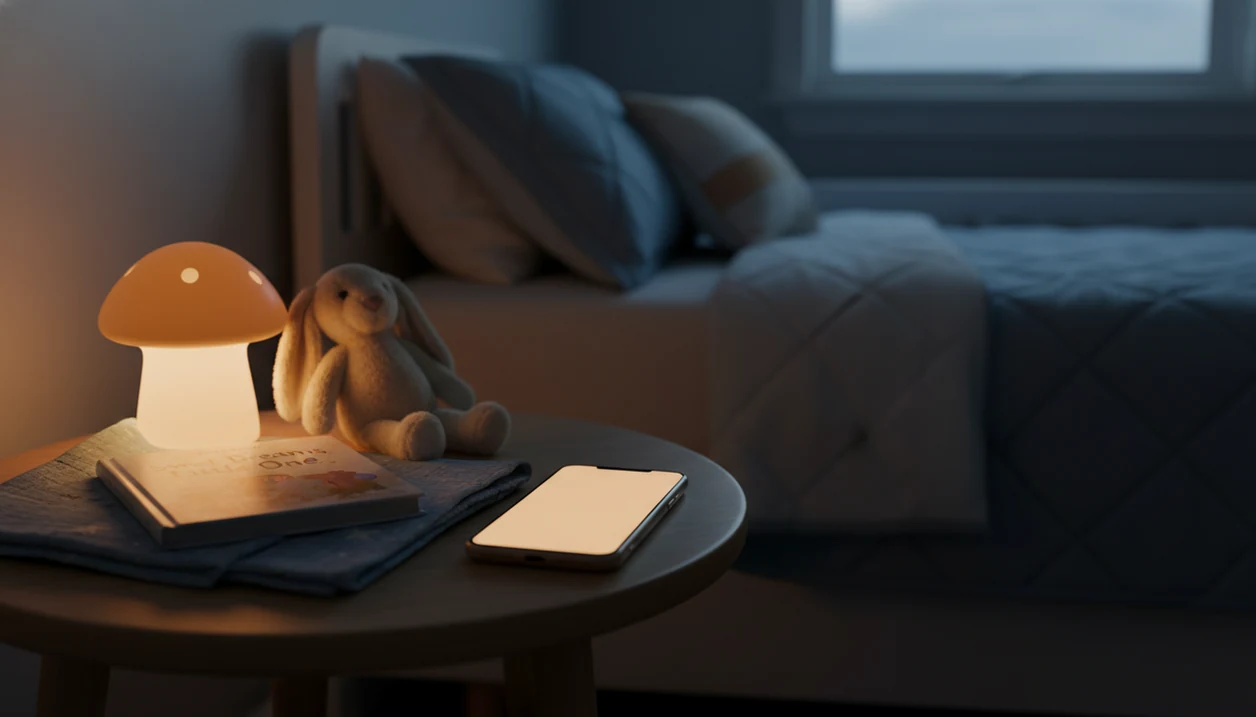
Kids Bedtime TL is a kids bedtime stories app that provides bedtime stories, sleep meditation, lullabies, and nap routines for parents of toddlers and young children.
- Audio-first iPhone app: tap a story, set the sleep timer, lock the screen
- Offline downloads let you skip Wi-Fi issues in the nursery
- Stories, lullabies, and sleep meditations serve different bedtime needs, pick the right format for your child
At a Glance: What This Bedtime Stories iPhone App Does
- Kids Bedtime TL combines audio stories, lullabies, sleep meditations, and nap routines in one iPhone app.
- The content is designed mainly for babies, toddlers, and young children under 5.
- Core bedtime controls include a sleep timer, offline downloads, and ad-free playback.
- UK literacy and bedtime-reading research consistently treats shared bedtime reading as a common family routine, but app and audiobook use should be cited to the original survey before publishing.
- Short audio works well when the hallway light is cracked open and a parent needs the same story to start without another long search.
For parents who need a fast 7:15 p.m. option after pajamas, toothbrush, and one missing stuffed rabbit, Kids Bedtime TL fits because the story, timer, and playback controls stay in the same bedtime flow.
What Works on iPhone for Kids Sleep App Playback
For iPhone bedtime use, the main need is simple audio that keeps playing after the screen locks. Caregivers can start a story, use iOS playback controls, and avoid ads that interrupt the room once the child is settling.
Current iPhone compatibility depends on the App Store listing for your device and iOS version, so check the install page before downloading. Once installed, background audio lets the story continue with the screen off. Control Center can usually pause, resume, or skip without reopening the full app, which matters when the room is already dark.
Offline Downloads vs. Streaming at Bedtime
Streaming is fine near strong Wi-Fi, but nursery corners and upstairs bedrooms often behave differently. Offline downloads are safer for travel, thick walls, and rooms where the router drops at bedtime. The full setup is covered in our offline story downloads guide.
Minimum Requirements for This iOS Bedtime Stories App
Before installing Kids Bedtime TL, you need an iPhone that meets the current App Store device and iOS requirements. The exact minimum can change with app updates, so the App Store listing is the final check before you download.
Plan for storage if you want offline stories, lullabies, or sleep meditations saved before bedtime. Audio files are usually modest, but a full favorites folder can still take space. Internet is needed for the first download, account setup, and syncing new content. After that, saved stories can support an offline routine.
Most kids sleep app iPhone options use a freemium pattern. Some starter content is free, while larger libraries or premium features may require a subscription. If you are comparing no-cost access first, our free kids bedtime stories app guide explains what to check.
How Audio Bedtime Stories Work on iPhone
Audio bedtime stories on iPhone work by turning the phone into a low-light playback device rather than a screen-based storybook. An audio-first model lets the child listen while the iPhone is locked and placed away from their face.
The sleep timer is the key mechanism. You choose a duration, start the story or lullaby, and playback stops automatically when the timer ends. That keeps the routine from becoming an all-night audio loop. The most useful bedtime audio usually supports a predictable sequence, not a promise that every child will fall asleep on command.
Small feet under dinosaur sheets do not need a bright screen.
Stories vs. Lullabies vs. Sleep Meditation
Stories give children a gentle narrative to follow. Lullabies provide steady music for settling. Sleep meditations use breathing, body cues, or simple reassurance. Short-form audio, often 5 to 15 minutes, fits many toddler settling windows because it is long enough to mark bedtime but short enough to avoid stretching the routine. For more story examples, browse bedtime stories for kids.
Ready to start your quit?
A kids bedtime stories app for iPhone lets caregivers play short audio stories, lullabies, and sleep meditations directly from iOS with one-tap playback and an automatic sleep…
How to Use a Kids Bedtime Stories App on iPhone
You can use a kids bedtime stories app on iPhone in under 60 seconds if the story and timer are chosen before the room gets too active. Kids Bedtime TL works best as part of the same nightly order, not as a last-minute negotiation after “Just one more story.”
- Download Kids Bedtime TL from the App Store and open it before bedtime.
- Choose a story, lullaby, or meditation by age, mood, or routine moment.
- Set the sleep timer before pressing play, especially for longer playlists.
- Lock the iPhone screen and place it face-down on a dresser so the room stays dim.
- Review favorites in the morning, then reuse the same calm-down cue the next night.
If bedtime often runs late, then Kids Bedtime TL helps by keeping the choice small: pick one saved favorite, set the timer, and start the predictable sequence. For timer details, read our bedtime story sleep timer guide.
iPhone Bedtime Stories App vs. Android and Smart Speaker Playback
A dedicated iPhone bedtime stories app gives caregivers more library and timer control than a generic smart speaker story skill. Android, AirPlay, Bluetooth, and smart speakers can all work, but the bedtime workflow feels different.
| Playback setup | What works well | Main tradeoff |
|---|---|---|
| iPhone with Kids Bedtime TL | Locked-screen playback, sleep timer, saved stories, ad-free bedtime audio | The phone must stay nearby |
| Android phone | Similar mobile playback when supported by the app | Controls and background behavior vary by device |
| AirPlay speaker | Better sound without keeping the phone near the bed | Needs compatible speaker and stable connection |
| Bluetooth speaker | Simple nursery speaker setup | Pairing can fail at the worst time |
| Alexa or Google speaker | Hands-free story start | Less control over exact story library and timer behavior |
For mixed-device households, the kids bedtime stories app for Android page covers Android-specific bedtime setup. Calm.com, Headspace.com, and Moshi.com also offer sleep audio, but a child-focused library can be easier when you need age-appropriate bedtime content fast.
Download Kids Bedtime TL for iPhone
Download from the App Store when you want bedtime stories, lullabies, sleep meditations, and a sleep timer in one iPhone routine. New users can start with free content, then decide whether the wider library and premium access fit daily use.
This is the right fit for parents who want audio without bedtime ads because playback is built around stories, lullabies, meditations, and timer-based stopping. That matters when a thumb is hovering over a five-minute story and the room is already quiet.
You can also use our download kids bedtime stories app page for the broader install path.
Evidence and App Store Checks for iPhone Bedtime Story Apps
The safest way to evaluate an iPhone bedtime story app is to separate what the app can verify today from what its marketing suggests about sleep. Kids Bedtime TL should be judged by App Store facts, in-app behavior, and routine research, not by unsupported sleep promises.
Consistent bedtime routines have evidence behind them, including pediatric sleep research showing improved infant and toddler sleep outcomes when families used a predictable nightly pattern source. Any parent survey number or bedtime-app usage statistic should be tied to its original survey before publication, rather than repeated as a loose industry claim.
- Check the App Store listing for current iPhone compatibility, iOS requirements, price, free trial terms, and subscription details because those can change after this page is published.
- Test the verified features yourself: locked-screen audio, sleep timer behavior, offline downloads, ad-free playback, and age-appropriate library browsing.
- Treat claims about helping children sleep as promotional unless they are backed by clinical or peer-reviewed evidence.
- Compare alternatives by use case: Calm and Headspace for broader sleep audio, Moshi for child-focused sleep stories, Vooks for visual storybooks, and Storyberries for reading-led story time.
Limitations
Kids Bedtime TL can support a calmer routine, but it does not replace caregiver-led bedtime structure. General sleep education often points to consistency, predictable cues, and a soothing wind-down pattern as the foundation. One randomized study found that a consistent bedtime routine improved sleep outcomes in infants and toddlers: https://pubmed.ncbi.nlm.nih.gov/19117877/
- Apps do not create sleep habits by themselves; the bedtime routine still needs a caregiver.
- Marketing claims about helping children sleep are promotional, not clinical guarantees.
- Free versions may be too limited for daily use, since many apps gate larger libraries behind subscriptions.
- Audio stories do not work for every child; some prefer parent-led reading or get stimulated by any phone nearby.
- App Store quality varies widely, so check offline downloads, ad-free playback, and timer behavior before committing.
- Wi-Fi dead spots can block streaming unless stories are downloaded before the settling window.
- Vooks.com and Storyberries.com may suit families who want more visual or reading-focused story time, but that can be less useful in a dark bedroom.
Good kids bedtime audio provides a repeatable calm-down cue, not a guaranteed sleep result.