
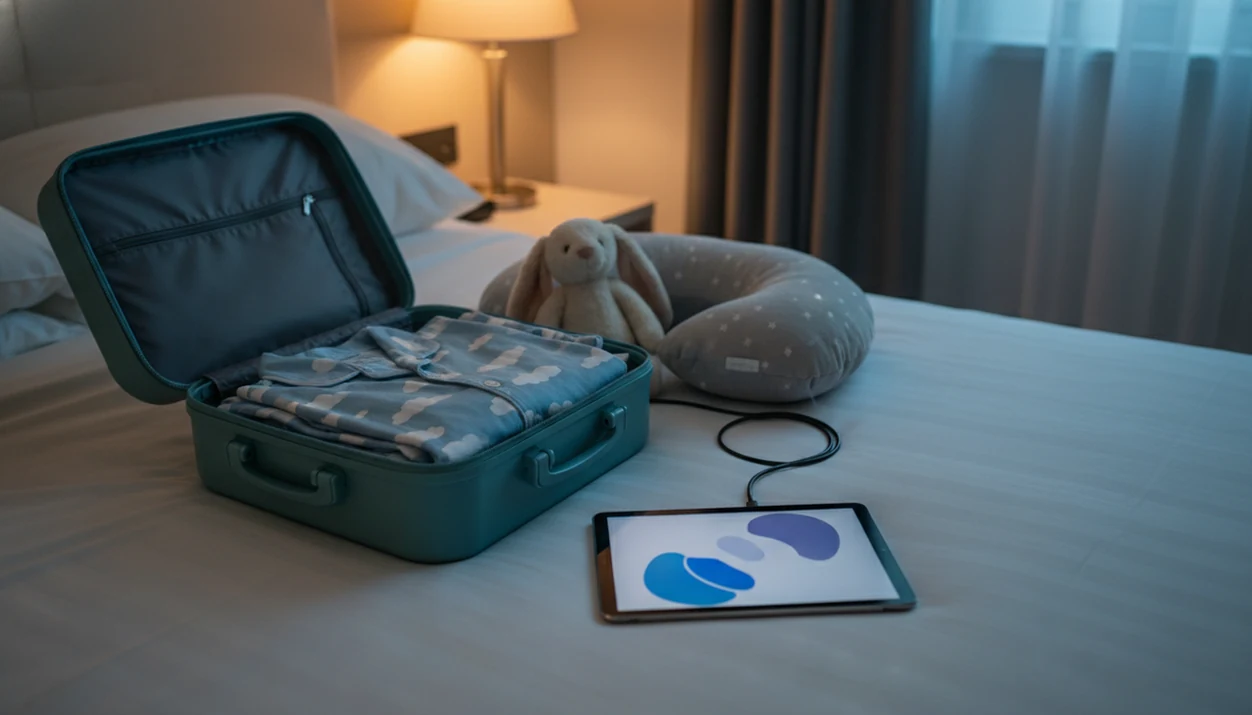
An offline bedtime stories app is a mobile application that lets parents download kids' stories, lullabies, and sleep meditations to a device so they play without Wi-Fi or cellular data.
- Download stories, lullabies, and sleep meditations over Wi-Fi before leaving home
- Kids Bedtime TL works fully offline once content is saved, no ads, no data needed
- Audio-first mode keeps screens dim so toddlers wind down instead of waking up
What an Offline Bedtime Stories App Does for Traveling Families
An offline stories app download saves bedtime audio to your phone or tablet before the connection disappears. Parents use it when a predictable sequence matters more than hotel Wi-Fi, plane internet, or a weak signal in the back seat.
These apps usually include audio stories, lullabies, sleep meditations, and nap routines. The point is simple: your child hears the same calm-down cue in a new place. Common Sense Media’s 2020 census found that 81% of U.S. children age 8 or younger had access to a tablet at home, so tablets are already part of many family routines (source: https://www.commonsensemedia.org/research/the-common-sense-census-media-use-by-kids-age-zero-to-eight-2020).
The airport gate is not the time to discover a missing file.
Good kids bedtime stories, sleep meditation, lullabies, and nap routines for toddlers and young children deliver a familiar settling window, not a guaranteed sleep result. For travel nights, downloaded audio is often easier than streaming because it removes Wi-Fi, roaming, and buffering from the bedtime routine.
Requirements Before You Download Kids Stories Offline
Before you download kids stories offline, check the device, connection, storage, account, and battery. A five-minute check at home can prevent the 7:15 p.m. scramble after pajamas, toothbrush, and one missing stuffed rabbit.
- Compatible device: Use an iOS or Android phone or tablet that your child already recognizes.
- Stable Wi-Fi: Download over home Wi-Fi, not airport Wi-Fi or hotel lobby Wi-Fi.
- Enough storage: Plan roughly 50 MB per 10 audio stories; video apps need much more.
- Free account: Create the account before travel, since setup may require internet.
- Power ready: Charge the device and pack a power bank for long flights or drives.
If your trip includes several sleep settings, build a small library of kids bedtime stories for travel, not just one favorite story.
How Offline Story Downloads Work
Offline story downloads work by caching selected audio files on the device. In plain terms, the app streams from the server when you browse, then stores the chosen story, lullaby, or meditation locally after you tap download.
Audio-first offline story apps usually keep files smaller than HD video story apps, which matters when a tablet has limited storage before a trip. Once saved, the playback engine runs on-device and does not need a server call. Cloud sync and profile updates resume when the device reconnects later.
> Stat callout: A 2016 JAMA Pediatrics meta-analysis found bedtime media device use was linked with 48% higher odds of inadequate sleep duration in children (source: https://jamanetwork.com/journals/jamapediatrics/fullarticle/2571467). Audio-first bedtime content helps reduce screen stimulation when the phone is set face-down on a dresser.
Clinicians and sleep educators typically recommend a consistent bedtime routine with calming activities, limited bright screens, and age-appropriate content. The low hum of a white-noise track under a soft-spoken story can support that routine without asking a tired child to watch.
How to Download Offline Bedtime Stories Step by Step
Use this process before leaving home, while Wi-Fi and chargers are easy to reach. It also works before a nap timer starts, especially when errands may run long.
- Install Kids Bedtime TL from the App Store or Google Play while connected to Wi-Fi.
- Browse the library and tap the download icon on each story, lullaby, or meditation you want.
- Check the Downloads tab to confirm every selected file shows as saved.
- Switch to Airplane Mode and test playback before the suitcase is closed.
- Pack headphones or a portable speaker for hotel rooms, car seats, and shared bedrooms.
For flights, choose shorter content first. Airplane bedtime stories for kids usually work better when the first story can finish before tray tables and announcements interrupt.
Ready to start your quit?
To download offline bedtime stories app content for travel, install Kids Bedtime TL over Wi-Fi, tap the download icon on each story or lullaby you want, and the content plays…
Top 5 Features to Look for in an Offline Stories App Download
A good offline stories app download should make bedtime simpler, quieter, and easier to verify. The feature list matters because “Just one more story” becomes harder to manage when every tap opens a bright, busy screen.
- Ad-free playback: Ads can break the settling window and introduce content parents did not choose.
- Audio-only mode: Screen-free listening is useful when the hallway light is left cracked open.
- Toddler-friendly controls: Large buttons help caregivers start audio with one hand.
- Lullabies and soundscapes: Some nights need music, not another plot.
- Clear storage indicators: Parents should see file size before a large download starts.
A structured bedtime routine that includes reading aloud has been shown in clinical research to improve sleep onset latency and overall sleep quality in young children. The most common supported way to make bedtime content useful is to pair it with the same steps each night.
Offline Bedtime Stories No Internet Apps Compared
Not every bedtime stories no internet app handles offline use the same way. Some focus on animation, some require parent narration, and some save only part of the library.
| App | Offline fit | Main strength | Tradeoff |
|---|---|---|---|
| Kids Bedtime TL | Full offline playback after download | Audio stories, lullabies, meditations, and nap routines | Requires selecting downloads in advance |
| Readmio | Partial offline support | Interactive read-aloud with parent voice | Parent must read actively |
| Kidlo Bedtime Stories | Offline options vary by content | Animated stories for young children | Larger files and freemium limits |
| Little Stories | Some offline reading | Text-led stories | Better for older readers |
| Vooks | Downloadable video stories | Visual read-aloud library | Video uses more storage |
The strongest offline option for travel should bundle stories, sleep meditations, lullabies, and nap routines in one download flow. For a broader comparison of content types, offline bedtime stories for kids covers story length, age bands, and travel use.
Common Mistakes When Downloading Kids Stories Offline for Travel
The biggest mistake is assuming the whole app downloads automatically. Most apps require manual selection, and that detail is easy to miss when packing snacks, chargers, and pajamas.
Common misses include forgetting to test playback in Airplane Mode, ignoring device storage, and choosing HD video stories that fill a tablet fast. Parents also sometimes skip the privacy policy because offline playback sounds private. Initial account setup and analytics can still collect data.
> Stat callout: The National Sleep Foundation reported that 75% of parents of school-aged children had at least one electronic device in the child’s bedroom at night (source: https://www.thensf.org/wp-content/uploads/2020/10/2014-Sleep-in-America-poll-summary-of-findings.pdf). Prep matters because the device is already close to bedtime for many families.
One more practical miss: downloading only stories. Add lullabies and meditations too, especially for nap time after playground time or a late lunch.
Verify Your Offline Bedtime Stories Are Ready Before Takeoff
Verify offline playback before the trip starts, not after boarding. A two-minute test at home gives you a cleaner bedtime routine in the hotel room later.
- Enable Airplane Mode and open the app.
- Play one story, one lullaby, and one meditation fully.
- Confirm screen-free audio mode works with headphones.
- Check battery level and pack a charger or power bank.
- Bring one familiar object, such as a blanket or stuffed animal.
Tiny fingers clutching a blanket edge can do more than a new feature. Pair the audio with the same phrase, dim light, and cuddle order you use at home. For room-specific ideas, use a bedtime routine for hotel room with toddler.
Evidence and Sources for Offline Bedtime Story Apps
The evidence is strongest for reducing bedtime screen exposure and keeping routines predictable, not for promising that any app will make a child sleep. Offline audio can support a calm pattern when parents use it as one small part of bedtime.
A JAMA Pediatrics meta-analysis linked bedtime media device use with shorter sleep duration and poorer sleep outcomes in children, which is why audio-first playback is often a practical travel choice. It lowers bright-screen stimulation, especially when the device is face-down or across the room, but it is not treatment for insomnia, anxiety, snoring, or repeated night waking. Common Sense Media’s The Common Sense Census: Media Use by Kids Age Zero to Eight also shows why this matters: many young children already have regular access to tablets and phones.
Use the evidence in this order:
- Treat offline playback, ad-free listening, downloads, and audio-only mode as product features.
- Treat dim lights, familiar order, and steady timing as general sleep guidance.
- Repeat the same story or lullaby before trying new content.
- Watch your child’s response instead of assuming calmer audio guarantees sleep.
- Ask a clinician when sleep problems persist beyond travel disruption.
Limitations
Offline bedtime story apps are useful travel tools, but they do not remove every bedtime problem. Check these limits before relying on any app for a full trip.
- Large offline libraries can consume 500 MB or more, especially when sound effects or video are included.
- Search, recommendations, profile sync, and new downloads stop working without internet.
- Some children become more alert with new content, so repeat familiar stories first.
- Freemium apps often reserve full offline libraries for paid plans.
- Initial account creation, crash logs, and analytics may still involve data collection.
- Some apps save narration but not background music or sound effects.
- App updates require Wi-Fi and may change downloaded content.
- Offline playback is not a treatment for persistent sleep issues, anxiety, snoring, or night waking.
If bedtime is suddenly difficult for many nights, ask your child’s clinician for guidance. The app is one routine tool, not a diagnosis.