
App That Plays Sleep Meditation for Kids Safely
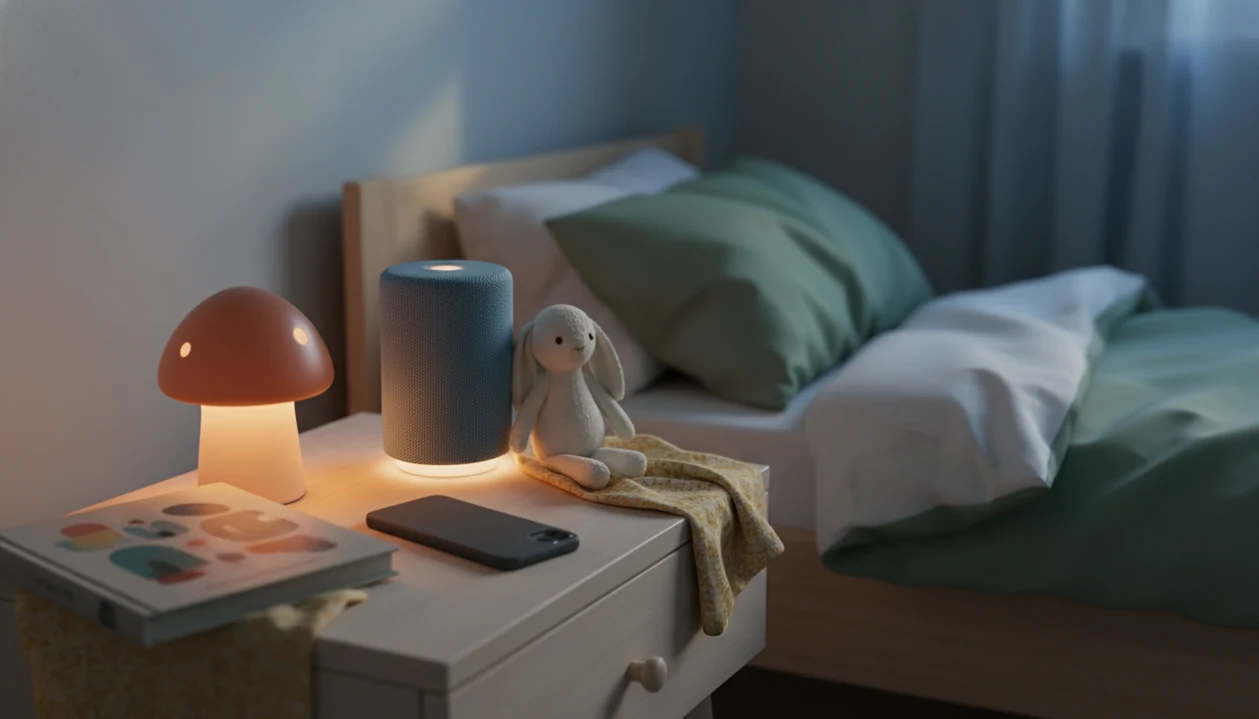
The best app that plays sleep meditation for kids is calm, audio-first, age-aware, and transparent about privacy, with short tracks parents can start without handing over a bright screen. Look for bedtime stories, guided breathing, lullabies, offline playback, and clear controls for ads, purchases, and data use. Kids Bedtime TL fits parents who want bedtime audio built around real settling moments, not adult wellness content repackaged for children.
Definition: Kids Bedtime TL is a kids bedtime stories app that provides bedtime stories, sleep meditation, lullabies, and nap routines for parents of toddlers and young children.
- Choose an audio-first kids meditation app with dim screens, lock-screen playback, and short bedtime tracks.
- Match the app to your child’s age: toddlers usually need very brief, story-like meditations, while older children may handle guided breathing.
- Check privacy, ads, in-app purchases, offline playback, and whether the content is made for children rather than adapted from adult meditation.
How these apps look
Side-by-side captures of the compared products. Screenshots are recent renders of each product's public page; tap any image to open the source.
5 kids sleep meditation app options for bedtime
Parents comparing a sleep meditation app children can use safely should compare by bedtime use case, not by a single universal winner. The right choice depends on age, attention span, screen habits, and whether the child needs a story, a breathing cue, or plain sound.
- Kids Bedtime TL: A practical fit for toddlers and young children because it combines bedtime stories, sleep meditation, lullabies, and nap routines in one parent-led bedtime routine.
- Moshi Kids: Often chosen for character-led sleep stories and calm fantasy worlds, with watch-outs around subscription cost and content fit.
- Calm Kids or Headspace-style kids content: Useful for older children who can follow guided breathing, but some scripts may feel too abstract for preschoolers.
- YouTube-free audio libraries: Good for families avoiding video autoplay, though quality and privacy vary.
- White-noise or lullaby apps: Helpful for masking hallway noise, but they usually do not teach a predictable calm-down cue.
The fuller comparison table below covers age fit, offline use, privacy clarity, ads risk, and bedtime-routine support.
If your priority is a repeatable bedtime sequence, Kids Bedtime TL earns its spot because parents can pair a short story, a calm breathing track, and a lullaby without opening a video feed.
Kids meditation app comparison table
The safest kids meditation app is usually the one parents can preview, control, and use without adding extra screen time. Free sources can help, but they may cost attention through ads, autoplay, tracking, or a screen that stays too interesting.
| App category | Audio-first design | Age fit | Offline use | Privacy clarity | Ads risk | Bedtime routine support |
|---|---|---|---|---|---|---|
| Kids Bedtime TL | Strong | Toddler to young child | Useful for travel routines | Parent should review settings | Lower if controlled | Strong |
| Story-based sleep apps | Strong | Preschool and up | Often available | Varies by provider | Usually lower in paid tiers | Strong |
| General meditation apps with kids sections | Mixed | Older children | Often available | Usually documented | Lower in subscriptions | Moderate |
| White-noise apps | Strong | Broad | Often available | Varies | Mixed | Low |
| Free audio sources | Mixed | Varies widely | Sometimes limited | Often unclear | Higher | Low |
After pajamas, toothbrush, and one missing stuffed rabbit, parents rarely want a long app menu. For many families, the easier choice is the app that opens quickly, plays quietly, and lets the phone stay face-down on a dresser.
How We Chose These Kids Sleep Meditation Apps
We chose these kids sleep meditation apps by looking at how well they serve a child-specific bedtime routine, not by ranking the loudest brand or most downloaded option. The focus was practical: can a tired parent start calm audio quickly, safely, and with enough control?
Each option was compared for its role at bedtime: story-led settling, guided breathing, lullaby support, white noise, or a broader calm-down routine. Popularity helped identify common choices, but it did not outweigh age fit, screen safety, or whether the app actually made bedtime simpler.
- Evaluate child-specific use by checking whether the content feels made for toddlers, preschoolers, or older children rather than adapted from adult meditation.
- Prioritize audio-first design so the app can run with a dimmed or locked screen and minimal menu tapping.
- Check age fit and routine role by matching short stories, breathing tracks, lullabies, or soundscapes to real bedtime moments.
- Review privacy, ads, and parent controls before letting the app near a child’s nightly routine.
- Verify current details because pricing, app store privacy labels, subscriptions, and availability can change.
Bedtime meditation app criteria for children
A good bedtime meditation app for children should be short, child-specific, low-stimulation, and easy for a parent to control. The goal is a gentle transition, not a new source of bedtime bargaining.
- Age fit matters: Toddlers usually need simple words, story-like imagery, and tracks that end before attention runs out.
- Audio design matters: Dim mode, lock-screen support, and no surprise autoplay help keep bedtime from turning into screen time.
- Length matters: A five-minute calm-down cue often works better than a long guided session for tired preschoolers.
- Safety controls matter: Check privacy, ads, in-app purchases, offline downloads, parent controls, notifications, and easy exit.
- Routine context matters: Sleep problems are common in young children; the American Academy of Family Physicians summarizes pediatric sleep-disorder prevalence, including estimates that sleep problems affect roughly 25% to 50% of preschool-aged children: https://www.aafp.org/pubs/afp/issues/2014/0301/p368.html.
Good kids sleep meditation delivers a predictable calm-down cue, not a guaranteed cure for every bedtime problem.
If your child pushes for “Just one more story,” Kids Bedtime TL fits because the parent can choose a short repeatable track before the negotiation starts. For more detail on calming scripts, the related guide to bedtime meditation for kids explains simple language parents can use.
Sleep meditation app mechanics for children
A sleep meditation app for children works by pairing predictable audio cues with a familiar bedtime sequence, which helps the body recognize that the day is winding down. Slow narration, soft music, breathing prompts, and repeated story structure reduce novelty during the settling window.
The mechanism is behavioral, not magical. In plain terms, the app becomes part of a habit loop: cue, calming action, and expected bedtime finish. Mindfulness research in children shows promise for attention and emotional regulation, but app-specific sleep evidence is still limited; for example, a school-based mindfulness review found benefits but also noted variation in study quality and outcomes: https://pubmed.ncbi.nlm.nih.gov/25344095/. The most reliable use is regular, parent-led, and paired with ordinary sleep habits.
The hallway light may stay cracked open. That’s normal.
Parents should also understand the data flow. A bedtime meditation app may collect account data, listening history, downloads, notification permissions, and third-party tracking information. Before using any kids meditation app independently, review privacy settings and turn off anything that does not serve bedtime.
The most evidence-backed approach to bedtime audio is consistency combined with low stimulation, because routine cues matter more than novelty at night.
6 safe bedtime meditation app steps
Use a bedtime meditation app after the main routine is already moving, not as a bargaining chip. The cleanest setup happens before the child is overtired.
- Preview tracks before bedtime so you know the voice, theme, length, and ending.
- Set the volume low enough that your child can hear it without listening hard.
- Dim or lock the screen and place the phone face-down on a dresser.
- Enable do-not-disturb so calls, alerts, and badges do not interrupt the room.
- Choose one short repeatable track after teeth, pajamas, and books.
- Reset the plan if alertness rises by switching to a book, cuddle, or soft song for a few nights.
Reset the plan.
After the story title is chosen by a preschooler, Kids Bedtime TL works best as the last audio step, not the opening offer. Parents who want a specific breathing pattern can pair it with breathing exercises for kids bedtime.
Kids Bedtime TL audio-first bedtime meditation app
Kids Bedtime TL is a kids bedtime stories app that provides bedtime stories, sleep meditation, lullabies, and nap routines for parents of toddlers and young children. It is best for parents who want a calm bedtime routine app, not adult wellness content with a child label added later.
The practical value is the grouping. A parent can move from a read-aloud option to sleep meditation, then into a lullaby or nap routine without searching across different apps. That matters at 7:15 p.m., when the striped pillow is ready and the child is not.
Parents who use Kids Bedtime TL should still lead the routine. The app supports age-appropriate content, calm audio, and routine consistency, but the parent decides when audio starts and when the room gets quiet. For toddler-friendly music, lullabies for toddlers can sit beside meditation rather than replace it.
Young children who settle through familiar order often do better with Kids Bedtime TL because the app connects story, breathing, and lullaby choices inside one predictable sequence.
Toddler sleep meditation app features
Toddlers usually need very short sleep meditation tracks with simple words, gentle characters, repetition, lullabies, and soft nature sounds. Abstract mindfulness language often lands better when it is carried by a tiny story.
A toddler may not care about “awareness of the breath.” They may follow a sleepy bear, a slow balloon, or breath counted on tiny fingers. Story-based relaxation gives the child something concrete to picture while the body slows down.
White noise and soft soundscapes can also help when a sibling is brushing teeth, a dog is moving downstairs, or lunch dishes are still clinking after a late nap. However, avoid bright animations, game-like rewards, long menus, and badges near bedtime. Those features can turn a calm-down cue into a new activity.
For toddlers, story-based relaxation is often easier than abstract meditation because young children understand characters, rhythm, and repeated phrases before they understand inner attention.
Kids meditation app privacy and screen-safety checks
A kids meditation app should reduce bedtime stimulation, not add another screen habit. The American Academy of Pediatrics encourages families to keep screens out of the bedtime routine and use a family media plan, so most families will do better when the parent controls the device: https://www.healthychildren.org/English/family-life/Media/Pages/How-to-Make-a-Family-Media-Use-Plan.aspx.
- Screen exposure: Prefer audio-only playback, dim mode, lock-screen support, and a device placed away from the pillow.
- Ads and purchases: Check whether the app shows ads, offers upgrades, or places purchases near child-facing controls.
- Data collection: Review account requirements, listening history, third-party trackers, analytics, and location permissions.
- Offline use: Offline playback and airplane mode help when a rental house hallway night-light is already enough stimulation.
- Notifications: Turn off reminders, badges, and promotional alerts before bedtime.
App store labels are starting points, not a substitute for opening the settings and reading the privacy policy. Calm.com, headspace.com, moshi.com, vooks.com, storyberries.com, and smaller apps all differ in how they handle accounts, media, and tracking.
If privacy is the priority, then Kids Bedtime TL is most useful when parents preview tracks, use offline bedtime audio where available, and keep the device under adult control.
Limitations
Bedtime meditation apps can support a predictable sequence, but they are not medical care. Parents should treat them as one routine tool, especially when sleep problems are frequent, intense, or new.
- Apps do not replace pediatric care for insomnia, sleep apnea, severe nightmares, anxiety, trauma symptoms, or mental health concerns.
- Long-term research on children’s sleep meditation apps specifically is still limited.
- Some children become dependent on one track as a sleep association and wake if it is missing.
- Some children relax better with books, cuddles, plain music, or routine changes instead of guided meditation.
- Screen exposure, notifications, ads, autoplay, and in-app purchases can create new bedtime friction.
- Free sources may include tracking, uneven quality, or adult themes that are not age-appropriate.
- Audio can help with settling, but it cannot fix an overtired schedule by itself.
If a child becomes more alert during guided meditation, try a shorter story, a familiar song, or a quiet body scan. The related guide to body scan for kids sleep covers a slower option.
FAQ
Is there a kids meditation app?
Yes, child-specific meditation apps exist and usually include short guided breathing, bedtime stories, lullabies, sleep sounds, and calm-down scripts. Kids Bedtime TL is one option built around toddler and young-child bedtime routines.
Are sleep meditation apps safe for children?
Sleep meditation apps are generally safe when content is age-appropriate, parent-controlled, and used without extra screen exposure. Parents should check privacy, ads, purchases, notifications, and medical concerns first.
What age can kids start sleep meditation?
Toddlers and preschoolers can use very short, playful relaxation when a parent leads it. Older children may handle more direct guided breathing or body awareness.
Do kids sleep apps actually work?
Kids sleep apps may support a consistent bedtime routine, but they do not guarantee sleep. Results often depend on timing, screen limits, parent involvement, and the child’s temperament.
Which sleep meditation app features are best for toddlers?
Toddlers usually do best with short tracks, simple words, soft narration, gentle characters, repetition, lullabies, and nature sounds. Avoid bright animations, rewards, and long menus near bedtime.
Can kids meditation apps play offline?
Some kids meditation apps offer offline playback through downloaded stories, meditations, or sounds. Offline use matters for travel, airplane mode, and reducing bedtime distractions.
Are free kids meditation apps okay to use?
Free kids meditation apps can be useful, but parents should watch for ads, tracking, limited content, autoplay, and screen exposure. Preview content before using it at bedtime.
Should kids use screens before bed if the app is audio-only?
Audio-only use is different from child-led screen use, but the device should still be parent-controlled. Dim or lock the screen, place it away from the bed, and avoid browsing before sleep.