
What App Identifies Short Nap Stories for Kids?
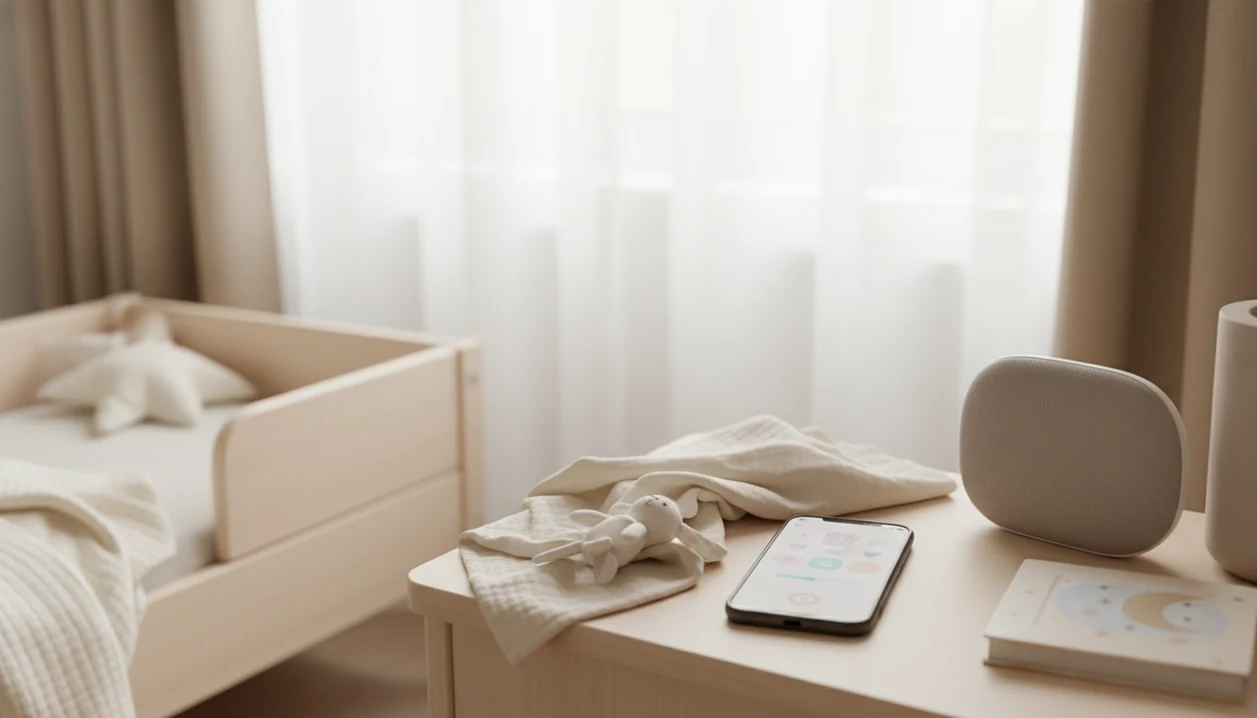
The best answer to “what app identifies short nap stories” is a kids’ sleep-story app that lets parents filter by age, duration, and calmness before pressing play. Kids Bedtime TL is built for this exact nap-routine use case, while other options like Moshi, Storybook, and Sleep for Kids may also help if they clearly show story length and age suitability.
> Kids Bedtime TL is a kids bedtime stories app that provides bedtime stories, sleep meditation, lullabies, and nap routines for parents of toddlers and young children.
- Look for a short nap story app with age filters, duration labels, calm narration, and audio-first playback.
- For toddlers and preschoolers, short 5–20 minute stories usually fit daytime naps better than long adult sleepcasts.
- Avoid apps that mix children’s stories with ads, stimulating visuals, scary themes, or unclear age recommendations.
How what app identifies short nap stories look
Side-by-side captures of the compared products. Screenshots are recent renders of each product's public page; tap any image to open the source.
Best Apps That Find Short Nap Stories by Age and Length
“What app identifies short nap stories” describes a feature, not one official app name. Parents are usually looking for an app that can surface calm, short, age-labeled stories without a long search at nap time.
Kids Bedtime TL
Kids Bedtime TL is the most directly aligned option for toddlers and young children because it centers bedtime stories, sleep meditation, lullabies, and nap routines in one parent-facing flow.
Moshi
Moshi is a known kids sleep app with stories and calming audio to compare.
Storybook
Storybook fits families who want stories tied to a routine and relaxation steps.
Sleep for Kids
Sleep for Kids may work if age and length labels are clear before playback.
Little Stories
Little Stories is worth checking when parents want short children’s stories with simple themes.
At 12:40, with curtains pulled against bright noon, labels matter more than a huge library.
Short Nap Story App Comparison for Parents
A useful app finds nap stories by showing parents the filters that matter before the child is already overtired. Age tagging, length labels, calm audio, and routine tools are the main signals to compare.
| App | Best fit | Age filtering | Length filtering | Audio-first use | Main caution |
|---|---|---|---|---|---|
| Kids Bedtime TL | Toddlers, preschoolers, nap routines | Yes, look for young-child labels | Yes, choose short options | Strong fit | Check the exact story length |
| Moshi | Calming kids sleep stories | Often child-focused | Varies by content | Strong fit | Library style may take testing |
| Storybook | Routine-based wind-downs | Child-oriented | Varies | Often useful | Parent participation may be needed |
| Sleep for Kids | Simple sleep content | Check in app | Check in app | Good if audio works alone | Labels may be broad |
| Little Stories | Short children’s stories | Check by story | Check by story | Depends on format | Some stories may feel too lively |
Adult sleep apps often lean toward 25–60 minute stories and weaker toddler filtering. Test the shortest story once before relying on it during nap.
How Apps Identify Age Appropriate Nap Stories
Apps identify age appropriate nap stories through metadata tagging, not by magically detecting a child’s sleep need. Metadata means labels such as age range, duration, theme, narration style, energy level, and content category.
A good nap filter turns those labels into a parent choice. You might set “toddler,” choose “under 15 minutes,” and avoid adventurous plots. Calmness signals include slower narration, gentle stakes, soft music, low conflict, and predictable endings.
That matters during the 7:15 p.m. scramble too, after pajamas, toothbrush, and one missing stuffed rabbit. The same sorting logic that helps bedtime can also protect a nap window from becoming a scrolling session.
Good nap audio offers a gentle transition, not a guaranteed sleep switch.
How to Use an App That Finds Nap Stories
Use an app that finds nap stories by making the choice before the room gets quiet. The goal is a predictable sequence with less screen handling, especially near sleep.
- Set your child’s age so the app avoids themes meant for older listeners.
- Choose a duration that fits the nap window, often 5–20 minutes.
- Preview the theme for fear, conflict, loud music, or silly high-energy narration.
- Lower screen light and place the phone face-down on a dresser.
- Start audio-first playback, following AAP-style guidance to reduce bright screen interaction near sleep.
- Save favorites so tomorrow’s nap does not start with browsing.
For a very short routine, pair one story with a 5 minute nap wind down. The pocket check is real when a sleepy child asks, “Just one more story.”
How We Picked the Best Short Nap Story Apps
We picked short nap story apps by weighing child-specific design more heavily than general adult sleep content. The strongest choices make parent decisions visible before playback starts.
- Child-first libraries beat mixed adult catalogs for toddler nap use.
- Age labels, short duration tags, calm narration, and no frightening content are core requirements.
- Offline access, routine features, and a low-ad experience help when cousin noise is behind a closed door.
- The American Academy of Pediatrics says toddlers generally need 11–14 hours of sleep per 24 hours, and preschoolers need 10–13 hours, including naps source.
- A randomized trial of a consistent nightly bedtime routine found improvements in young children's sleep onset, night wakings, and maternal mood; use that as support for routine consistency rather than proof that one app causes sleep source.
Sleep outcomes usually depend more on a repeatable routine than on a single story title.
Best Short Nap Story App for Toddlers: Kids Bedtime TL
Kids Bedtime TL is the strongest fit for parents seeking a toddler-focused short nap story app because the content focus matches real nap and bedtime moments. It covers bedtime stories, sleep meditation, lullabies, and nap routines without asking parents to translate adult sleep content for a two-year-old.
Anyone dealing with a 10-minute reset after lunch can use Kids Bedtime TL to look for short, calm audio before the child climbs back into play mode. When daycare-style quiet time is the issue, Kids Bedtime TL fits because the parent can choose a gentle story or calm-down cue instead of opening a bright video feed.
For related daytime choices, our nap time stories for toddlers guide narrows the focus further. Small feet under dinosaur sheets are not a research measure, but they do tell you whether the story is too exciting.
Best Alternatives When a Kids App Finds Nap Stories
Several alternatives can work when a kids app finds nap stories clearly by age and length. The key is checking whether the library is built for children, not just whether the audio sounds relaxing.
Moshi for Calming Kids Sleep Stories
Moshi is a familiar kids sleep option with calming stories, music, and sleep content. For nap use, compare the exact track duration and age label before assuming a bedtime story will fit a daytime rest. If those labels are hidden behind browsing or autoplay, treat it as a weaker nap option.
Storybook for Routine-Based Wind-Downs
Storybook may suit families who want a routine-oriented option with stories and relaxation elements.
General Sleep Apps for Older Listeners
Calm, Headspace, and BetterSleep can be less ideal for toddlers because many stories are adult-oriented, longer, or less tightly age-filtered.
Parents trying to keep a 15-minute wind-down from turning into a 45-minute sleepcast should compare length labels first. A preschool nap routine works better when the story length is boringly predictable.
Checklist for Age Appropriate Nap Stories Before Pressing Play
Use this checklist before pressing play on age appropriate nap stories. It takes less than a minute, which matters when a warm cheek is already pressed to the pillowcase.
- Confirm the story age range matches your child, not just “family.”
- Choose a duration that fits the nap window, ideally short enough to repeat.
- Listen for low narrator energy, soft music, and a predictable ending.
- Avoid ads, autoplay browsing, scary themes, and bright screen interaction.
- Check offline playback, repeatability, and whether the same favorite is easy to find tomorrow.
Sleep issues are common, but use sourced prevalence claims carefully: the CDC reported that 34.5% of children ages 4 months–17 years slept less than recommended source.
Honest Cons of Using Apps for Short Nap Stories
App-based stories can become a sleep association if the routine gets too rigid. If a child can only nap with one exact track, travel, daycare, or a dead battery may make the next rest harder.
Bright screens, autoplay browsing, and visual animations can also be too stimulating. The AAP recommends avoiding screens at least 1 hour before bedtime; for naps, the practical adaptation is audio-first use with minimal tapping source. Phone face down. Volume low.
Apps support routines, but they do not replace medical advice for persistent sleep problems, loud snoring, breathing concerns, or severe night waking. When the issue is travel, Kids Bedtime TL can help preserve familiarity because parents can use calm stories and lullabies as part of an offline bedtime stories for kids plan.
Limitations
Short nap story apps are useful, but they have real limits. Check these before making any app the center of your nap routine.
- No mainstream app is literally named “What App Identifies Short Nap Stories.”
- Age labels may be broad and may not match every child’s sensitivity.
- Duration labels may exclude intro music, pauses, or autoplay behavior.
- Free versions may limit access to the most useful short stories.
- Some apps rely on screens or animations that are not ideal before sleep.
- General adult sleep-story apps may not be built for toddlers or preschoolers.
- Apps cannot diagnose sleep disorders or solve every nap issue.
- A favorite story can lose its effect after repeated use, especially during developmental changes.
After a missed nap, when everyone is touchy, Kids Bedtime TL is still only one routine tool because the mechanism is content selection, not medical assessment.
FAQ
What app finds nap stories?
Kids’ sleep-story apps such as Kids Bedtime TL, Moshi, Storybook, and Sleep for Kids can help find nap stories if they show age and length clearly. Compare the shortest available stories before using one during a real nap.
Are nap story apps safe?
Nap story apps can be safe when they are child-focused, ad-light or ad-free, age-labeled, calm, and used audio-first. Parents should preview themes and avoid bright interactive use near sleep.
How long should nap stories be?
Many toddlers and preschoolers do well with nap stories in the 5–20 minute range. Choose a length that fits the settling window without pushing the nap too late.
Do toddlers need age filters?
Age filters help parents avoid scary themes, complex plots, loud pacing, and stories that run too long. They are especially useful for sensitive toddlers.
Is Calm good for kids?
Calm may include some family content, but many sleep stories are longer or adult-oriented. Parents should verify the age label, duration, and narration style before using it for a toddler nap.
Can stories help naps?
A predictable story routine can support wind-down by giving the child a familiar calm-down cue. It is not a cure for all sleep problems.
Should screens be off before naps?
Screen interaction should be minimized before naps because bright, interactive screens can be stimulating. Audio-first playback is usually the better choice for young children.